Detection Profile Editor
A detection profile tells GTO Hero what your table elements look like and how to read the table. This editor lets you create and edit detection profiles to match your poker site and setup.
With a custom detection profile and custom screen map, you should be able to configure GTO Hero to work on almost any poker site.
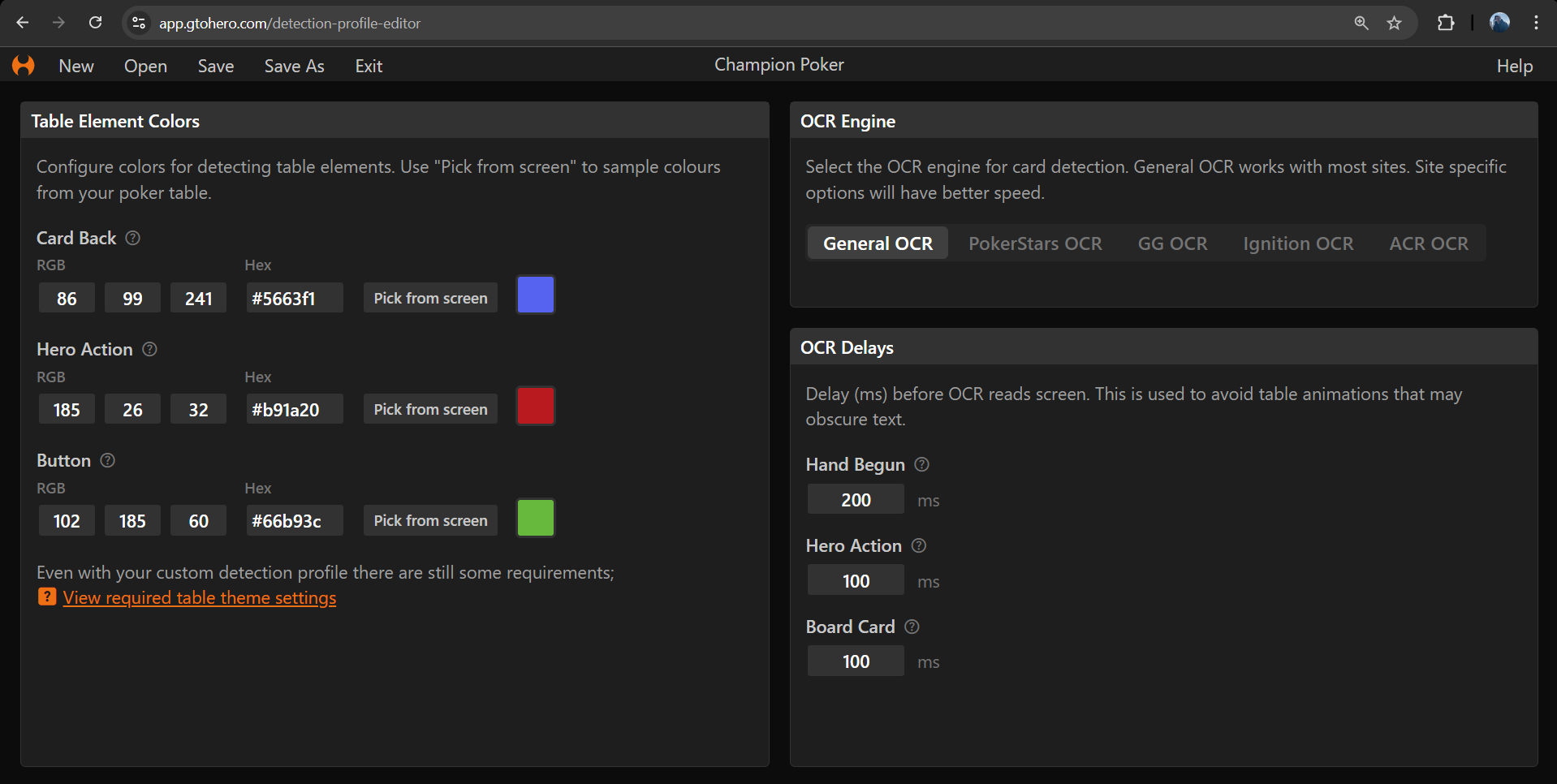
Table Element Colors
These properties define colors used for detection. Select a property below to see more information.
- Card Back
- Hero Action
- Button
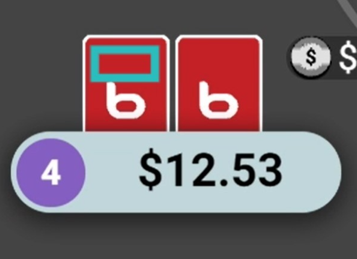
Direction
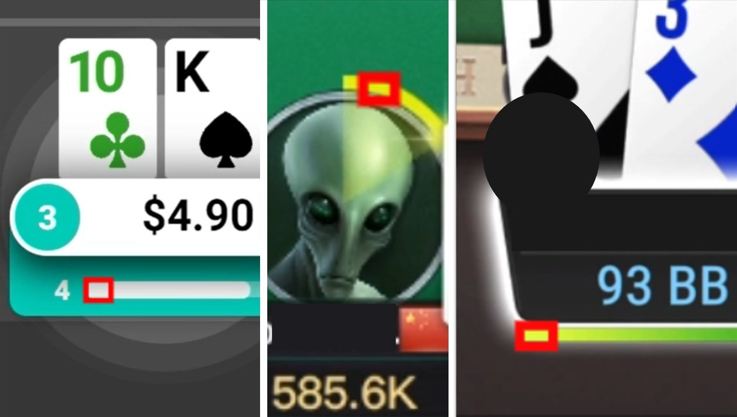
Pick the color of an element that appears when it is your turn to act, this should align with the 'Hero Action' rectangle on the screen map.
Tips
- Try use a distinct color so that it can be easily detected.
- You have a few options for this; the countdown timer bar, or the action buttons, or anything else that appears only when it is your turn to act.
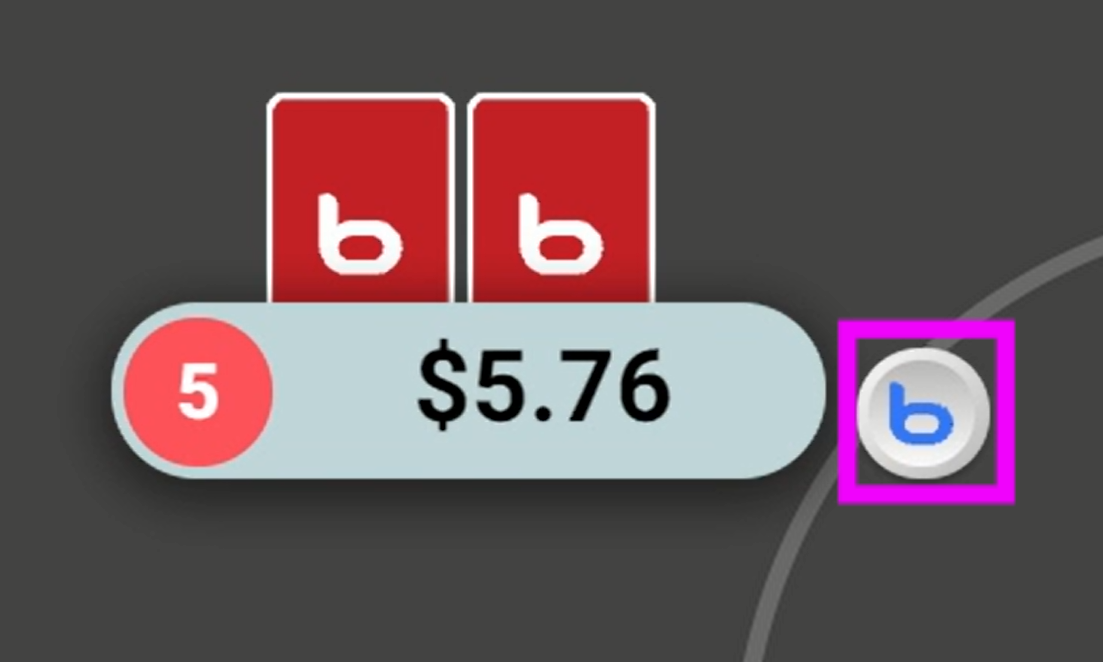
warning
Some poker site themes and settings are still required. See here for details.
Tips
- Open a system detection profile to get an idea for how existing detection profiles are configured.